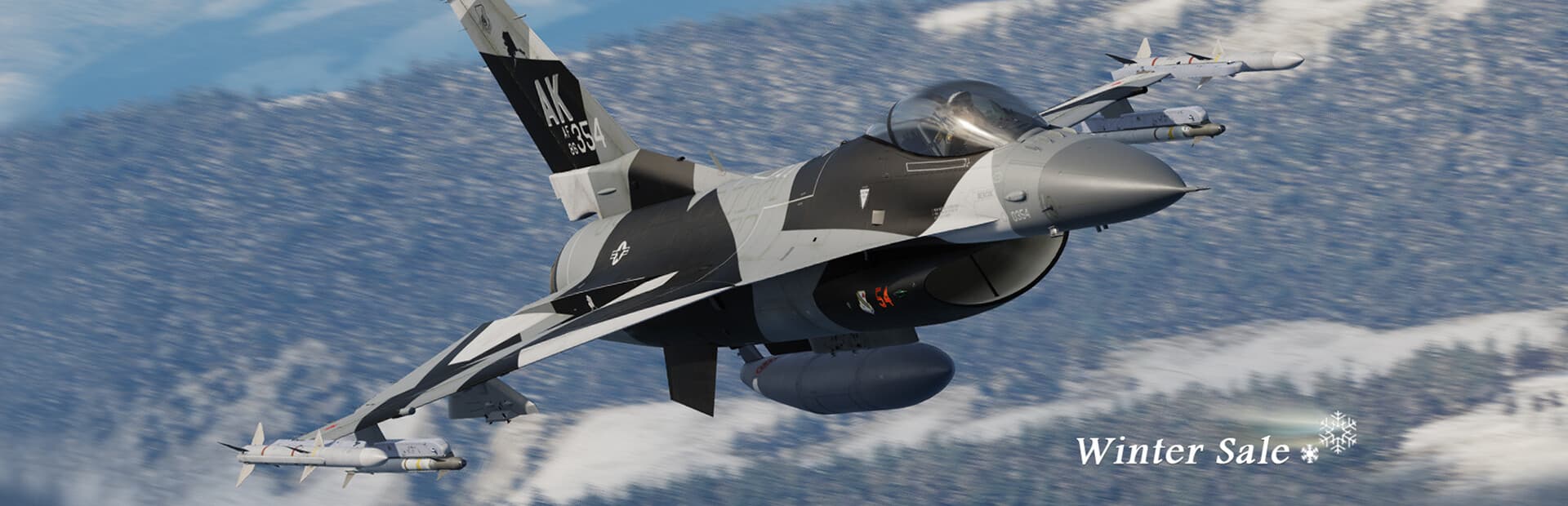
DCS World will happily bottleneck an RTX 4090 down to 12% GPU utilization. This is the most CPU-bound title in our whole catalog — here is why, and what to actually buy.
Changelog
- 2026-07-25 — Page created; calibration anchored to community RTX 4090 testing and Eagle Dynamics’ published 2026 engine roadmap.
Check a different build
Shopping for parts you don't own yet? Pick any CPU and GPU to see if it clears DCS World.
Pick a CPU and a GPU to see if it’ll run DCS World.
System requirements
Minimum
CPUIntel Core i3 @ 2.8GHz+ / AMD FX
GPUNVIDIA/AMD discrete GPU, 6GB VRAM
RAM16 GB
VRAM6 GB
Storage250 GB
NotesLow settings, single small mission. Requires online activation.
Recommended
CPUIntel Core i5+ @ 3GHz+ / AMD Ryzen
GPUNVIDIA/AMD discrete GPU, 8GB+ VRAM
RAM32 GB
VRAM8 GB
Storage500 GB
NotesHigh settings. 500GB+ SSD recommended once you add map and module DLC on top of the base install. 32GB RAM is the real floor for large multiplayer servers or the Syria map.
Source: View source
FPS expectations
DLSSFSR
Graphics cardEst. FPS
NVIDIA GeForce RTX 5090101
NVIDIA GeForce RTX 508089
NVIDIA GeForce RTX 409078
AMD Radeon RX 9070 XT75
AMD Radeon RX 7900 XTX74
NVIDIA GeForce RTX 5070 Ti74
NVIDIA GeForce RTX 4080 Super69
NVIDIA RTX 6000 Ada Generation69
NVIDIA GeForce RTX 408068
AMD Radeon RX 7900 XT67
NVIDIA GeForce RTX 507067
AMD Radeon RX 907066
NVIDIA GeForce RTX 4070 Ti Super64
NVIDIA GeForce RTX 4070 Ti60
AMD Radeon RX 7900 GRE59
NVIDIA GeForce RTX 4070 Super58
NVIDIA GeForce RTX 308056
AMD Radeon RX 7800 XT55
NVIDIA GeForce RTX 407052
NVIDIA GeForce RTX 5060 Ti51
AMD Radeon RX 7700 XT48
NVIDIA GeForce RTX 4060 Ti 16GB46
NVIDIA GeForce RTX 506046
NVIDIA GeForce RTX 4060 Ti45
NVIDIA GeForce RTX 307044
NVIDIA RTX A400043
Intel Arc B58041
NVIDIA GeForce RTX 3060 Ti40
NVIDIA GeForce RTX 406037
Intel Arc B57037
Intel Arc A77036
AMD Radeon RX 760035
NVIDIA GeForce RTX 505034
Intel Arc A75033
NVIDIA GeForce RTX 306031
Estimated, not measured — modelled from Community RTX 4090 + Ryzen 7 7700X testing (Eagle Dynamics / ED Forums), ultra preset, single-player free-flight mission. DCS is heavily single-thread/CPU-bound — GPU utilization has been reported as low as 12% at 1080p even on a 4090 — so these figures represent an approximate GPU-unconstrained ceiling. Complex multiplayer missions, large maps (Syria, full-size Caucasus), and VR all reduce this substantially; DCS varies mission-to-mission more than almost any title we cover.. How we estimate FPS.
Recommended builds
1080p Budget
1080p high settings — in DCS, the CPU’s single-core clock and cache matter more than the GPU tier you pick here.
1440p Sweet Spot
1440p high, VR-capable — the extra 3D V-Cache genuinely pays off in complex, unit-dense missions.
4K / VR Ultra
The ceiling for big multiplayer servers, full-size maps, and high-resolution VR headsets.
Squeeze more fps out of your build
Why DCS is the most CPU-bound game we cover
Flight modelling, weapons/sensor simulation, and AI all run largely single-threaded, and the engine simulates far more of the world in the background than a typical game does — that’s why a 4090 can sit at a fraction of its potential GPU load while the CPU maxes out. Cache-heavy CPUs (the X3D line) post a real, repeatable advantage here that shows up nowhere in the official spec sheet.
Storage and RAM add up fast
The base sim alone asks for 250GB, and that’s before adding any of the paid terrain maps or aircraft modules that most DCS players actually own — 500GB+ on an SSD is the realistic floor. 32GB of RAM is Eagle Dynamics’ own recommendation for big multiplayer servers or the Syria map, not an upsell.
Upscalers help; frame generation doesn’t exist yet
DCS 2.9 added DLSS and FSR 2 upscaling, which genuinely helps in VR where the resolution demands are brutal. Frame generation isn’t available — DCS still runs on DirectX 11, and DLSS 3-style frame generation requires DX12. Eagle Dynamics’ 2026 engine roadmap targets this along with cockpit ray tracing, but neither exists in the shipping sim yet.
Frequently asked questions
Is DCS World CPU-bound or GPU-bound?
CPU-bound, decisively. GPU utilization can sit well under 50% even on flagship cards while the CPU maxes out — a fast single-core/X3D CPU matters more here than the GPU tier.
How much storage does DCS actually need?
The base install alone is 250GB; add a couple of terrain maps and aircraft modules and 500GB+ on an SSD becomes the realistic floor.
Is frame generation coming to DCS?
Not yet — the sim runs on DirectX 11, which doesn’t support DLSS/FSR3-style frame generation. Eagle Dynamics’ 2026 roadmap targets an engine update that would unlock it.
What does VR need beyond the recommended spec?
More of everything — VR headsets push far higher effective resolution than a monitor, so treat the recommended tier as a floor, not a target, if you fly in VR.